
When operating a high temperature test chamber, the data logs it generates are more than just numbers on a screen—they are the critical evidence of product reliability and test validity. Yet many engineers find themselves staring at spreadsheets of temperature readings, ramp rates, and dwell times without a clear method to extract actionable insights. This article provides a structured approach to interpreting those data logs, highlighting the key parameters you must verify, common pitfalls to avoid, and how leveraging the precision of HEATEST Instrument equipment can simplify the entire process.
Why Data Log Interpretation Matters for Test Integrity
A high temperature test chamber's data log is the sole objective record of what actually happened inside the chamber during a test. Manufacturers, quality assurance teams, and R&D laboratories rely on these logs to certify that products meet specifications such as MIL-STD, IEC, or customer-specific thermal profiles. Misinterpreting a single temperature spike or a minor deviation in dwell time can lead to false pass/fail decisions, costly retesting, or worse—field failures. Understanding how to correctly read HEATEST Instrument's data logs ensures your test results are defensible and repeatable.
Key Data Points in Every Log
Most modern high temperature test chamber data logs include the following core metrics:
- Time-stamped Temperature Readings: Typically recorded at intervals of 1 second to 1 minute, depending on the test profile.
- Setpoint vs. Actual Temperature: The difference (offset) indicates control accuracy.
- Ramp Rate: The speed of temperature change, usually in °C/min.
- Dwell (Soak) Time: Duration the chamber holds at a specified temperature.
- Alarm Flags: Any out-of-tolerance events or system errors.
Step-by-Step Guide to Interpreting Your High Temperature Chamber Data Logs
1. Verify the Profile Compliance
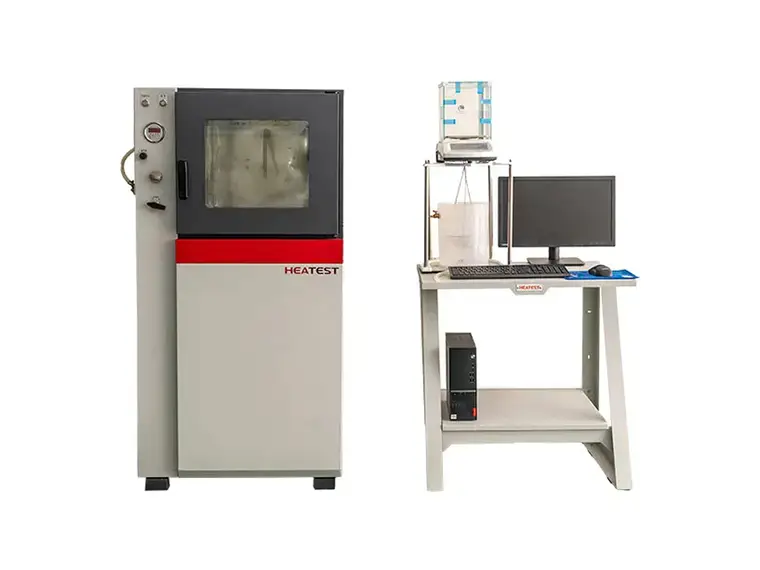
Start by overlaying the setpoint profile with the actual measured temperature curve. For a valid test, the actual temperature should stay within the specified tolerance band (e.g., ±2°C) for the entire duration. Use the log's graphical view if available, or plot the difference. With HEATEST Instrument's integrated software, this overlay is generated automatically, saving hours of manual comparison.
2. Check for Overshoot and Undershoot
Temperature overshoot (exceeding setpoint) can damage sensitive specimens, while undershoot (failing to reach setpoint) invalidates the test. Look at the ramp-up and ramp-down sections: if the actual temperature briefly spikes above the setpoint by more than 5°C, your chamber may require PID tuning. In HEATEST Instrument chambers, adaptive PID control minimizes overshoot to less than 1°C even during aggressive ramps.
3. Analyze Dwell Stability
During the dwell phase, the temperature should remain stable. Calculate the maximum and minimum recorded values within each dwell window. If the range exceeds your tolerance (e.g., ±3°C in a 150°C test), the chamber's uniformity or airflow might be compromised. HEATEST Instrument's chambers feature multi-zone heating and high-volume fans to ensure better than ±0.5°C stability at steady state.
4. Identify Outliers and Noise
Single-point spikes or dips that last only one sampling interval are usually sensor noise, not real thermal events. However, a sustained deviation of more than two consecutive readings indicates a genuine issue. Use statistical filters (moving average) available in HEATEST Instrument's data analysis toolkit to clean the log before drawing conclusions.
5. Correlate with Alarm Logs
Most high temperature test chambers record alarm events: door open, over-temperature, sensor failure, etc. Cross-reference these timestamps with the data log. For example, a sudden temperature drop right after a door-open alarm confirms the cause. Ignoring alarms can lead to misinterpretation of the thermal data.
Common Mistakes When Reading High Temperature Test Chamber Logs
- Ignoring Initial Transient: The first few minutes after start-up are often unstable. Do not include them in the pass/fail evaluation unless specified in the test standard.
- Assuming Uniformity: A single sensor log only represents one location. Always cross-check with multiple thermocouples. HEATEST Instrument chambers come standard with multiple sensor ports for multi-point validation.
- Overlooking Resolution: If your data log shows temperature changes in whole degrees only, you may miss critical micro-deviations. Ensure the logging resolution is 0.1°C or better.
- Misreading Time Intervals: A log with 10-second intervals might hide a brief overshoot that would be visible at 1-second intervals. Choose a logging frequency appropriate for your ramp rate.
How HEATEST Instrument Simplifies Data Log Interpretation
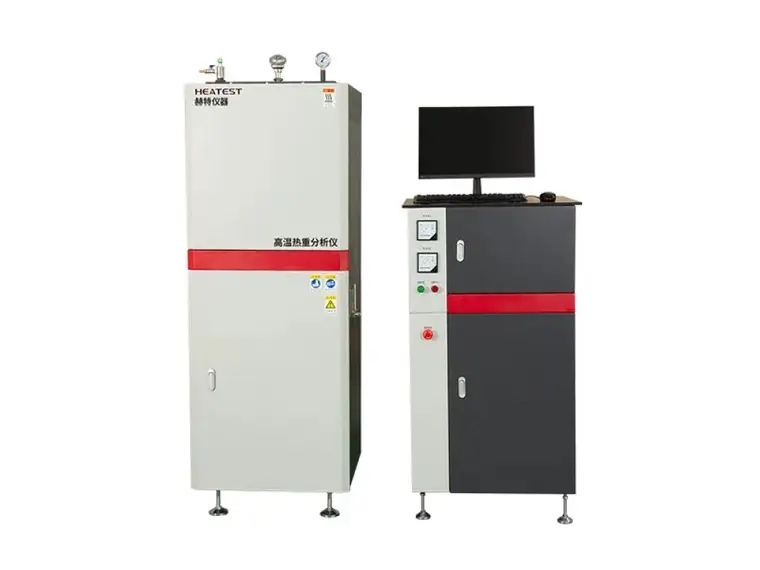
HEATEST Instrument has engineered its high temperature test chambers with user-friendly data management features that eliminate guesswork. The built-in touchscreen controller allows you to export logs in CSV, PDF, or proprietary format compatible with your LIMS. More importantly, the HEATEST DataView software offers automated pass/fail analysis based on user-defined thresholds, flagging any non-compliant segments in red. For laboratories dealing with complex multi-step profiles, the software can generate a compliance report in one click, including graphs and statistical tables. This reduces interpretation time by up to 60% compared to manual spreadsheet analysis.
Frequently Asked Questions
What is the ideal logging interval for a typical high temperature test?
For most applications, a 10-second interval provides a good balance between data volume and resolution. However, if your test involves rapid temperature changes (ramp rates >10°C/min), use a 1-second interval to capture overshoot accurately. HEATEST Instrument chambers allow you to adjust logging frequency on the fly without stopping the test.
Can I trust the data log if the chamber experienced a power outage?
Power interruptions are recorded as distinct events. HEATEST Instrument chambers are equipped with an uninterruptible power supply (UPS) for the controller, ensuring the data log remains intact even during a short outage. The log will clearly mark the power-loss timestamp, allowing you to decide whether to discard that segment.
How do I calibrate the temperature sensors in the data log?
Regular calibration against a NIST-traceable reference is essential. HEATEST Instrument offers on-site calibration services and built-in self-diagnostic routines that flag when a sensor drifts beyond acceptable limits. Always recalibrate annualy or after any major repair.
Conclusion: Turn Raw Data into Reliable Decisions
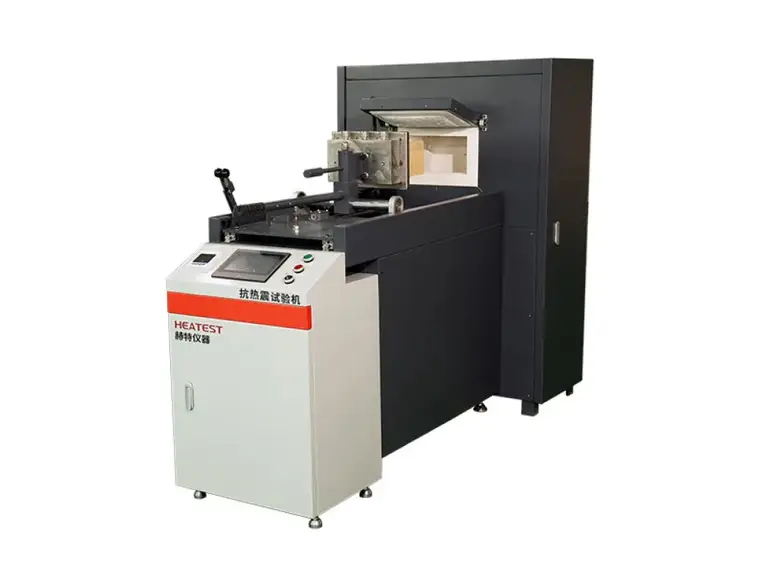
Interpreting high temperature test chamber data logs is a skill that combines technical knowledge with attention to detail. By following the systematic approach outlined above—profile compliance, overshoot analysis, dwell stability, outlier detection, and alarm correlation—you can ensure your test results stand up to scrutiny. With HEATEST Instrument's precision chambers and intelligent data tools, you spend less time decoding logs and more time improving your products. Whether you are qualifying a new electronic component or validating a heat treatment process, accurate data log interpretation is the foundation of confidence.